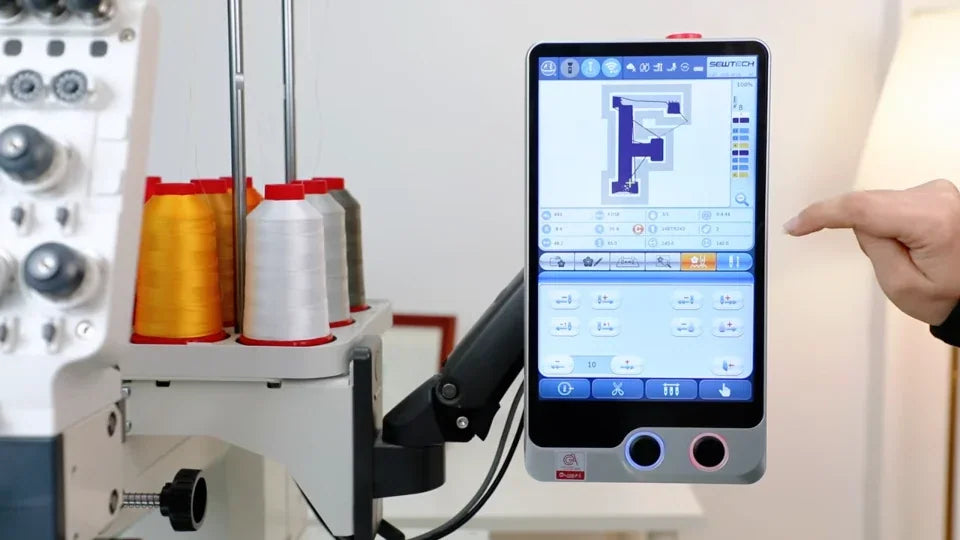
Move Forward or Back by Stitches on the ST-1501

Overview
After rethreading, use the ST-1501 stitch controls to reposition the design before restarting.
Step-by-step guide
1. Move by a fixed stitch count
Watch at 00:34Open the stitch page and choose how many stitches to move. Use the directional buttons and move by one stitch near the target.
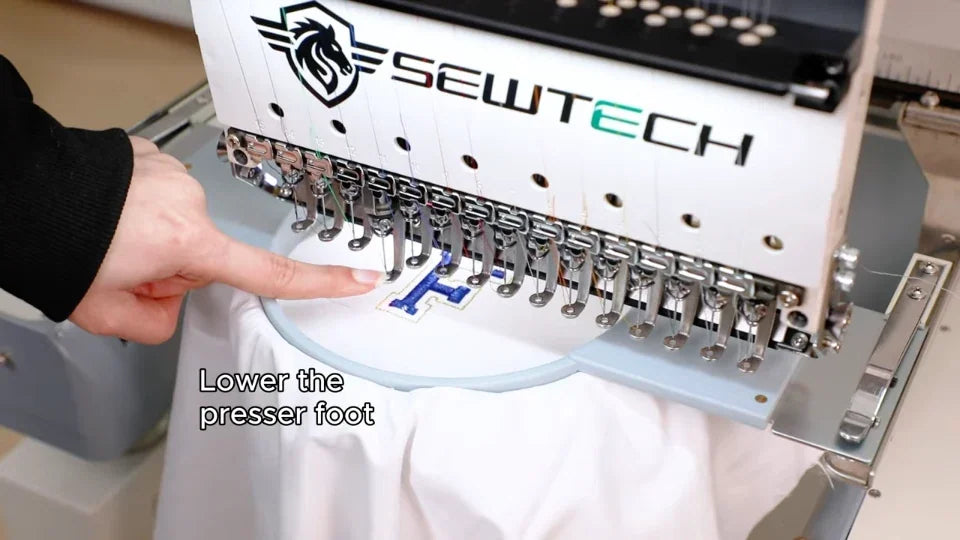
2. Use continuous forward or reverse
Watch at 01:25Use the minus or plus control for continuous motion and stop at the desired stitch. Check the position before pressing Start.
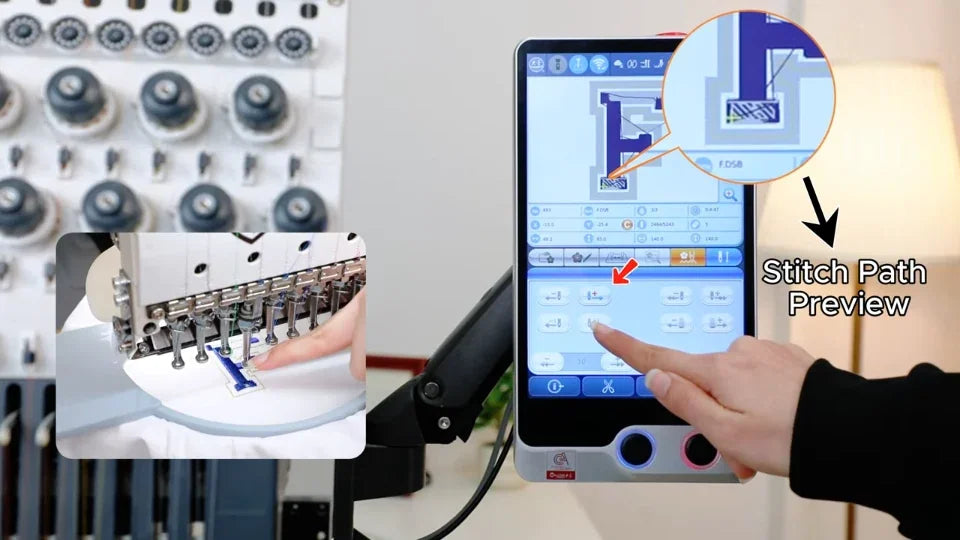
3. Zoom in to inspect the stitch path
Watch at 02:08Zoom in and drag the design to inspect the return point. Use zoom out to check the overall position afterward.