Match Screen Colors to Thread on the ST-1501

Overview
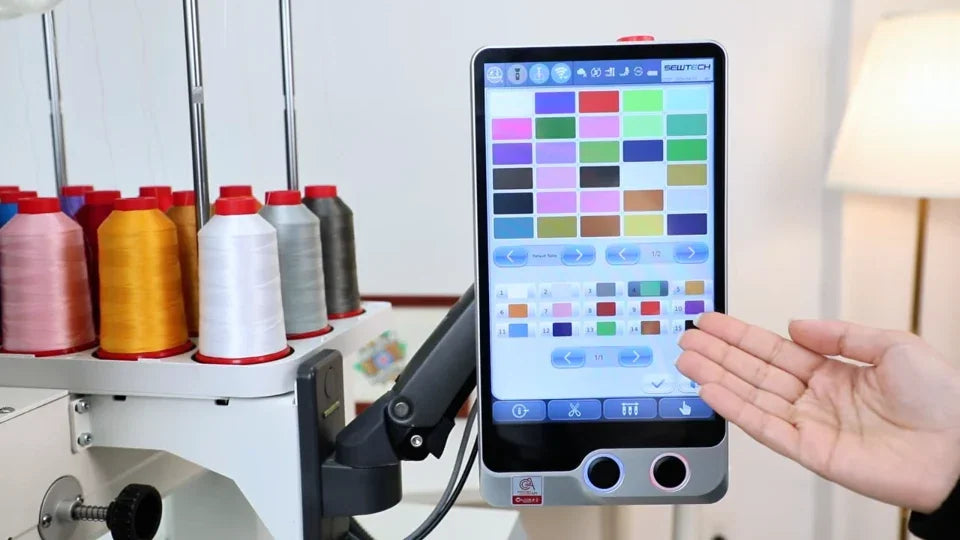
Sync the 15 numbered color blocks with the spools on the machine so the preview reflects your setup.
Step-by-step guide
1. Compare the color blocks with the spools
Watch at 00:13Open the color page. Compare the color shown for each numbered needle with the installed thread.
2. Select the matching color in the palette
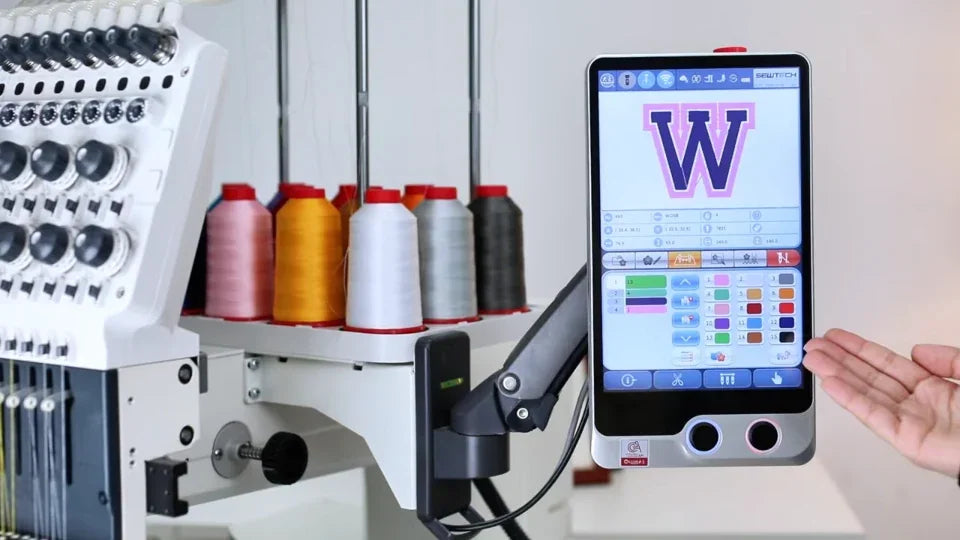
Watch at 00:30Tap Color Change, select the block, and choose the matching shade. The first example sets needle 1 to white.
3. Save and recheck the updated colors
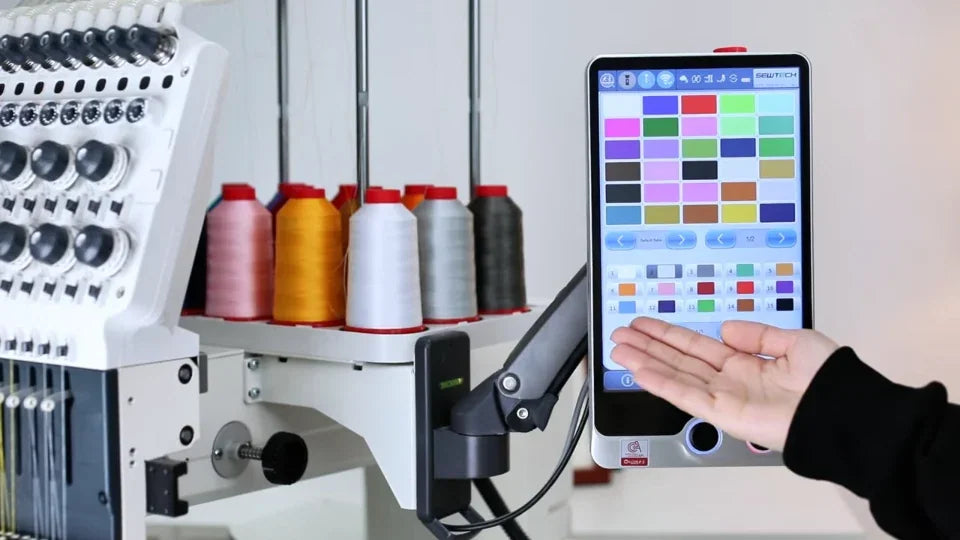
Watch at 01:06Confirm each change. The second example sets block 4 to yellow. Recheck the screen against the real thread before assigning the design colors.