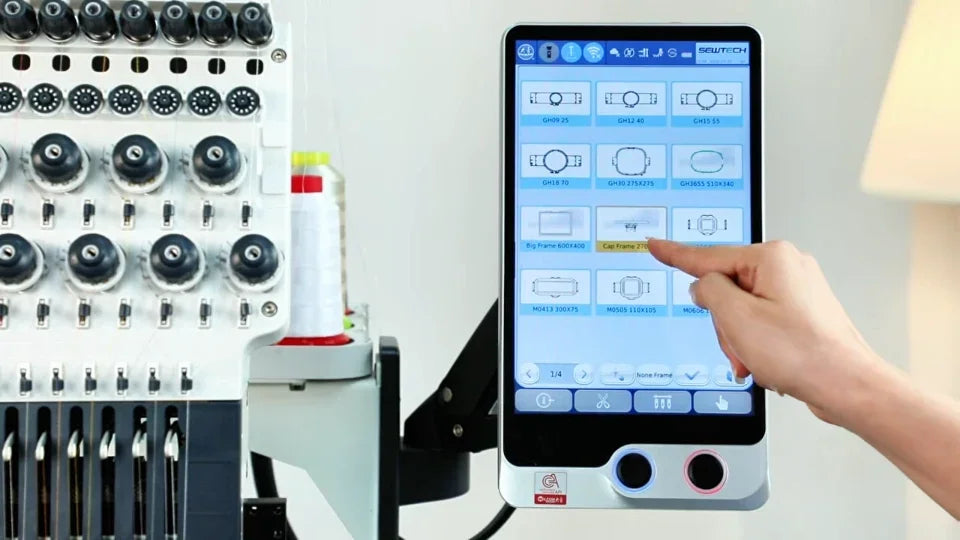
Change Embroidery Design Direction on the ST-1501

Overview
Change direction on the controller and check the preview before stitching. Cap selection has its own orientation behavior.
Step-by-step guide
1. Use the direction control on page two
Watch at 00:10Open the direction setting and tap until the preview faces the intended way. Exit embroidery mode first if the control is locked.
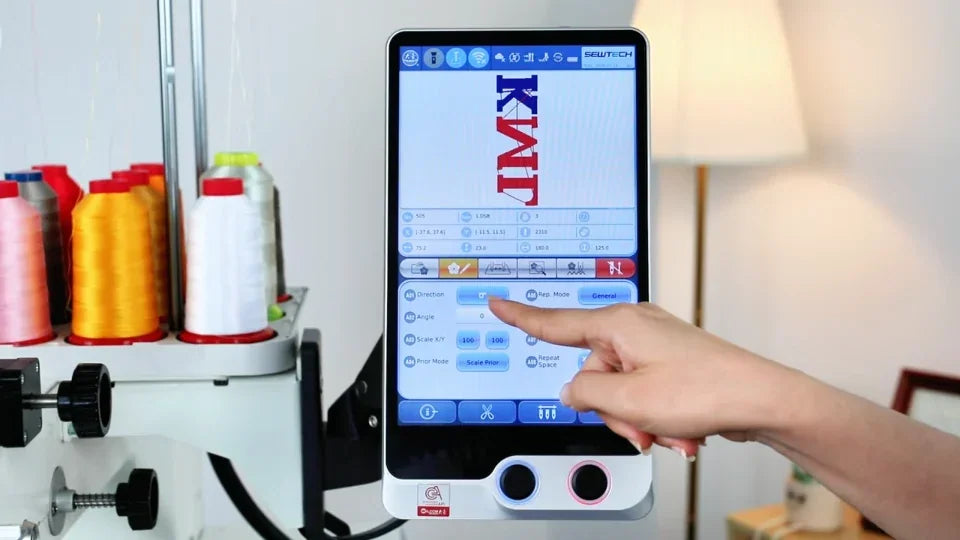
2. Check the preview and trace the hoop
Watch at 00:30Verify the direction and placement in the preview. Trace the design to confirm the embroidery fits inside the hoop.
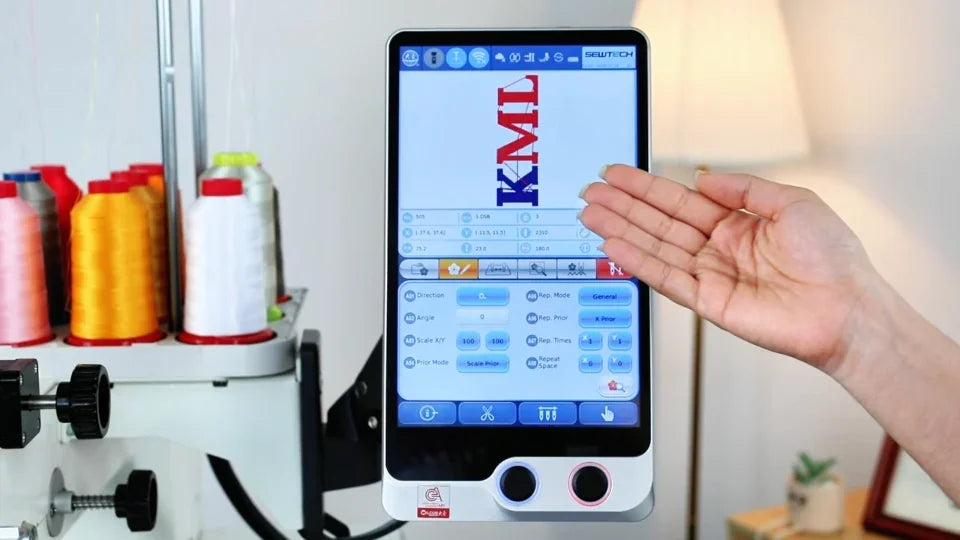
3. Check the cap hoop preview
Watch at 01:24For cap embroidery, select the cap hoop. The demonstrated controller applies the cap orientation automatically. Verify the result on the preview.