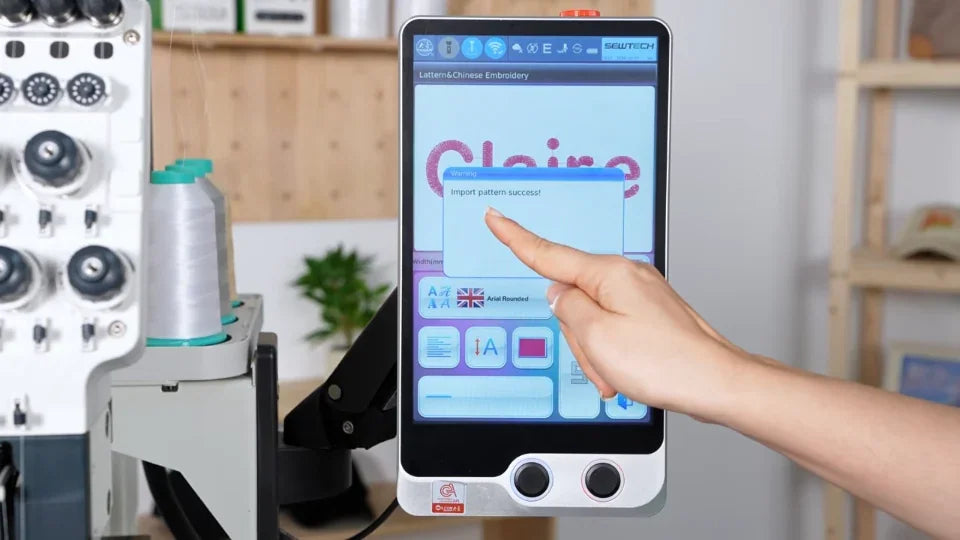
Create Custom Lettering on the ST-1501

Overview
Use the controller's lettering tool to create a name, review the stitch data and save it as a design.
Step-by-step guide
1. Open the lettering tool and enter text
Watch at 00:18With the machine connected as shown, open the T icon, choose the language and font, then enter the wording with the on-screen keyboard.
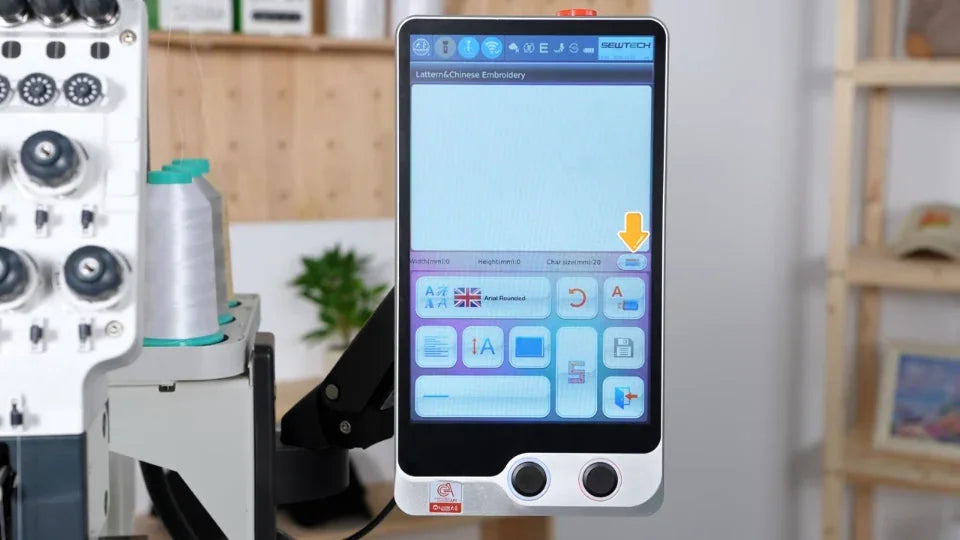
2. Set up the size and layout
Watch at 00:50Choose alignment, enter the size and review the overall width and height. Use the layout controls for horizontal, vertical or curved text.
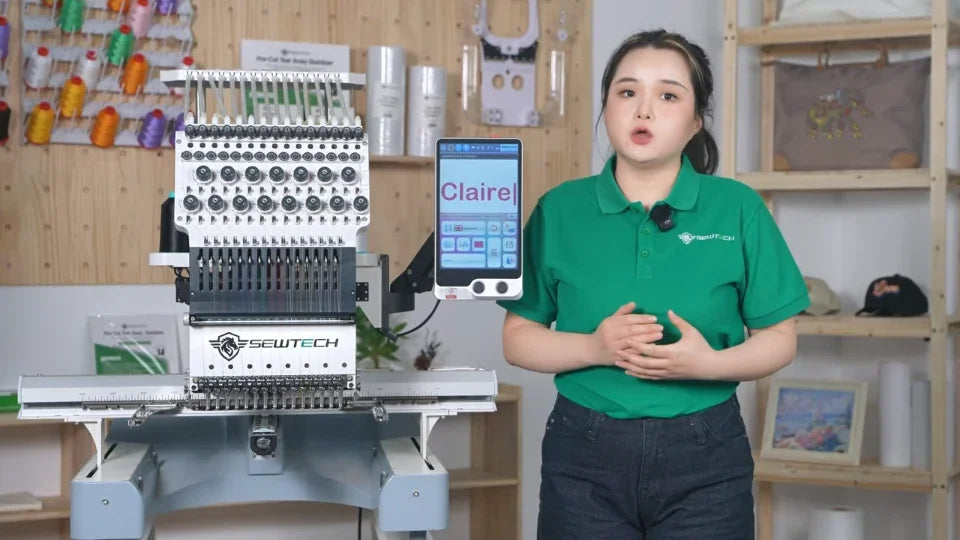
3. Generate, review and save stitch data
Watch at 02:01Tap S to generate stitches, then check spelling and dimensions. Save with a pattern number and name. Assign the actual needle colors and trace the hoop before stitching.