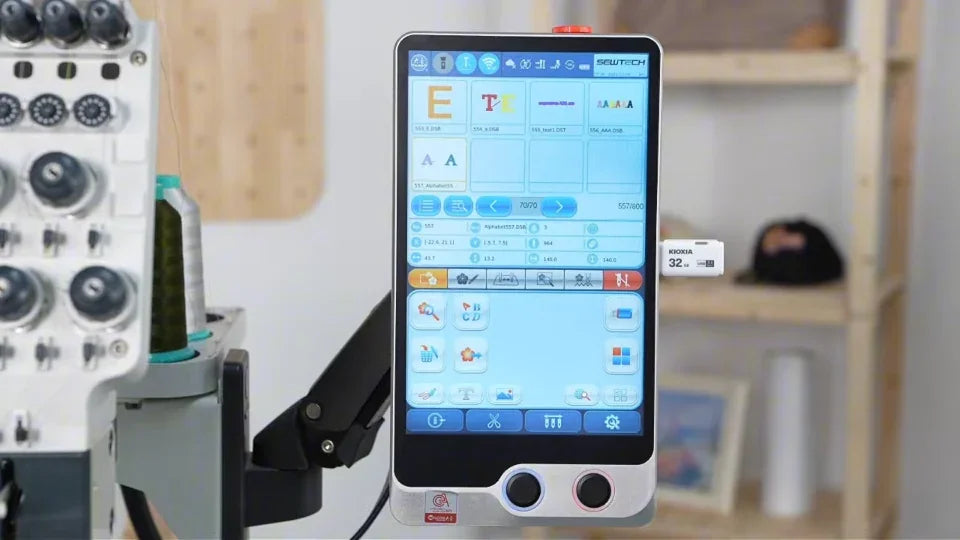
Import Machine and Driver Parameters on the ST-1501

Overview
This service-guided workflow shows the three-option import for an approved machine-specific file.
Step-by-step guide
1. Use the parameter file supplied for the machine
Watch at 00:12Confirm the parameter file with SEWTECH support, insert the USB drive and open the controller's parameter import screen as shown.
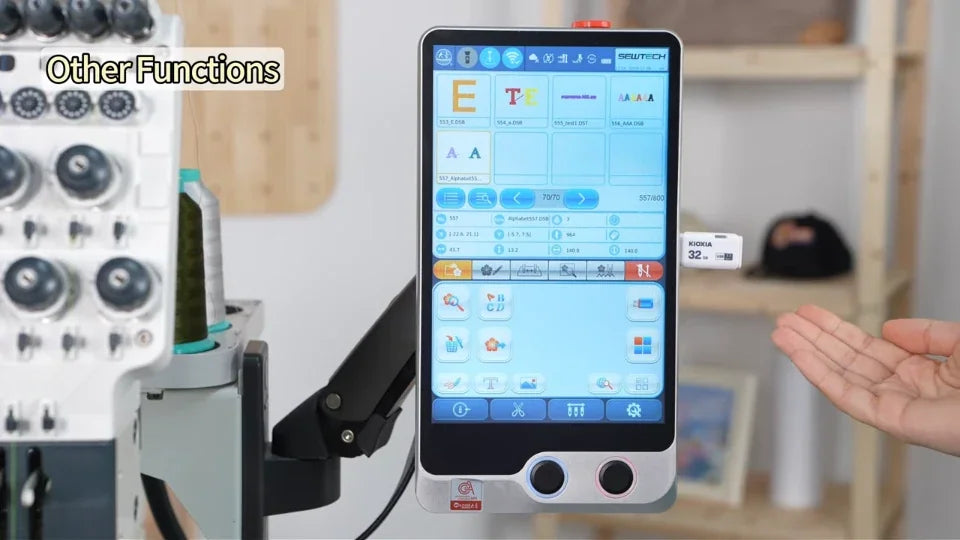
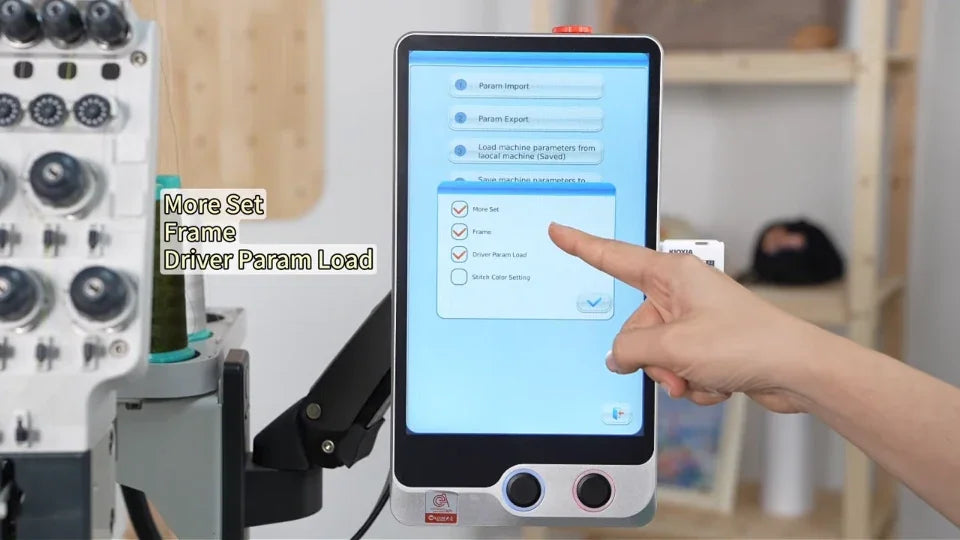
2. Review the three confirmed options
Watch at 00:42Select the file and review More Set, Frame and Driver Param Load in the confirmation window. Use the three selections shown only for the service-approved full import.
3. Confirm completion before removing the USB drive
Watch at 01:11Wait for Import Success and close the message. Return to the main screen before removing the drive.