Resume Stitching After a Thread Break

Overview
If the hoop shifted after the machine stopped, use the saved stop point to return to the design. Check for any missed stitches before pressing Start.
Step-by-step guide
1. Return the hoop to the saved stop point
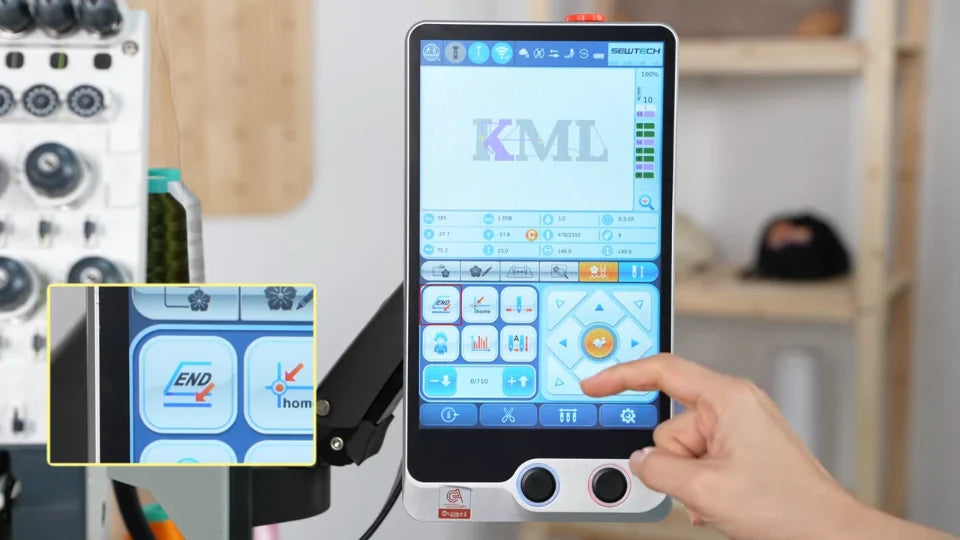
Watch at 00:40Go to page five of the controller and tap END. Wait for the frame to return to the position where embroidery stopped.
2. Back up to cover missed stitches
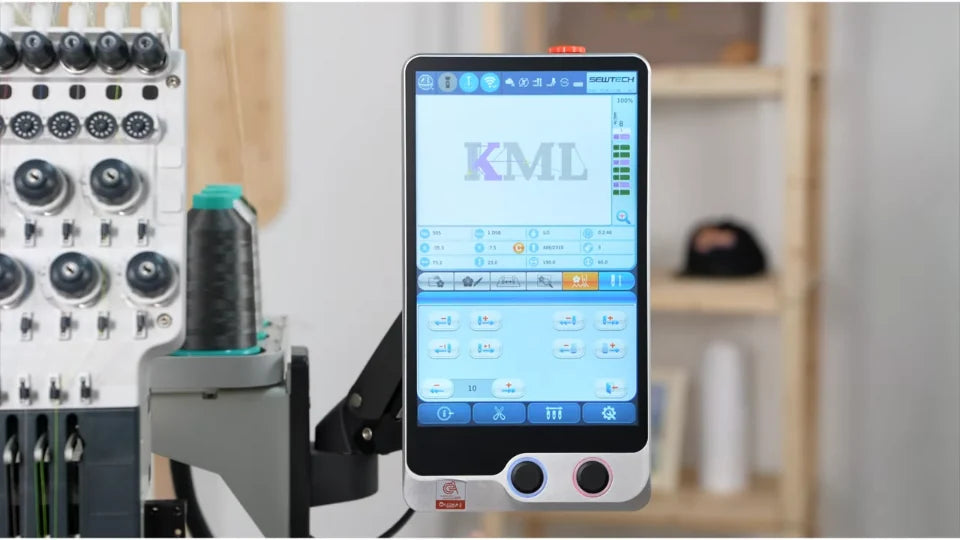
Watch at 00:51Check where stitching stopped. If there is a gap, use the stitch-back control to move about 10–15 stitches back to just before it, then press Start to resume.

3. Check whether the stop point is still stored
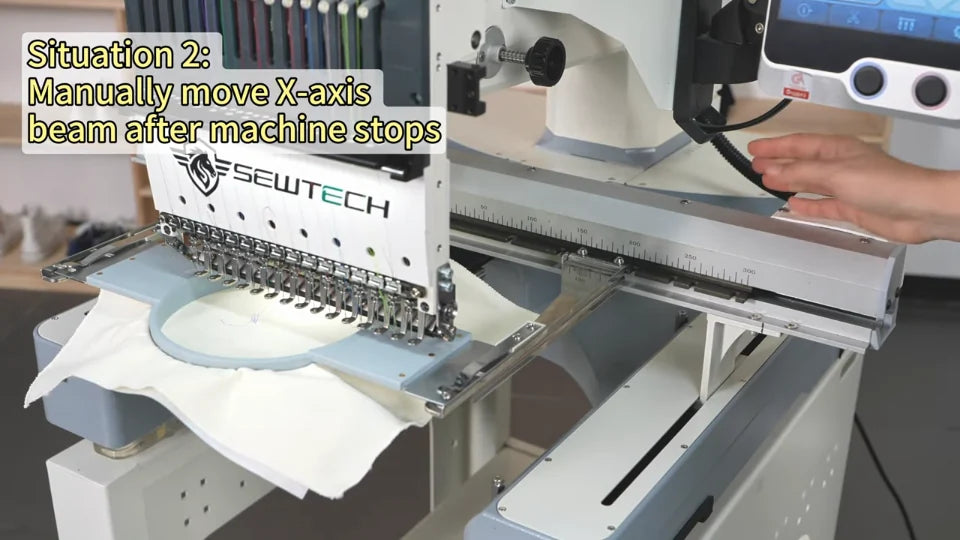
Watch at 01:20The video shows two actions that clear the stored position: canceling embroidery mode and manually moving the X-axis beam. END can restore the position while the stop point is still saved.