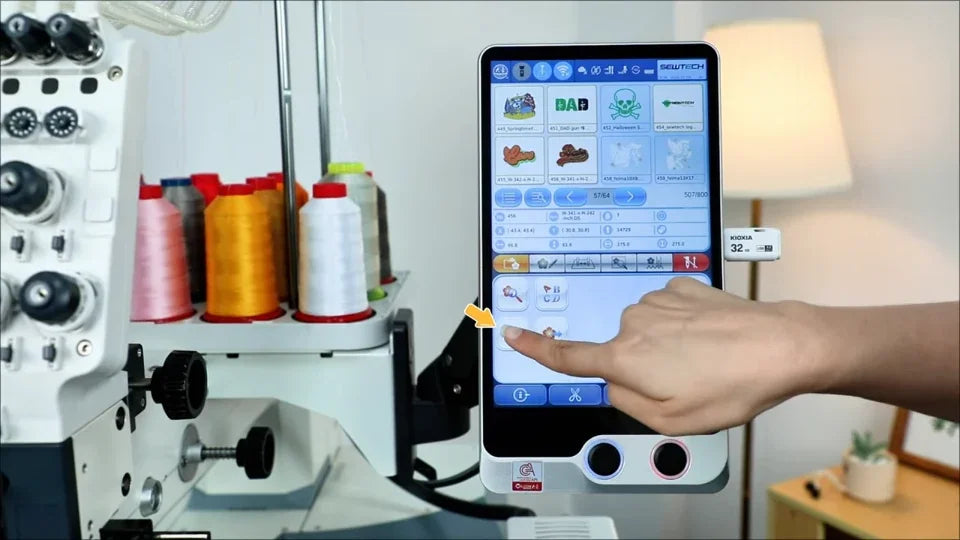
Import, Copy and Remove Multiple Designs on the ST-1501

Overview
The file manager can act on several selected designs from machine storage or a USB drive.
Step-by-step guide
1. Import a group of USB designs
Watch at 00:15Choose the USB device, enable multi-select and mark each file to import. When the transfer ends, return to the list to find the new designs.
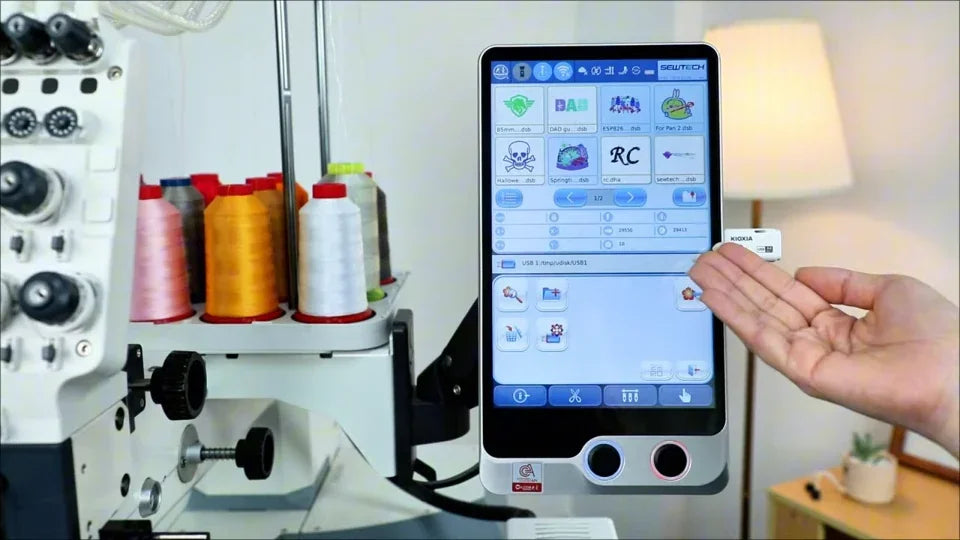
2. Copy selected designs to USB
Watch at 00:56In the machine file list, multi-select the desired designs and use Copy. Confirm the prompt and verify the files on the drive.
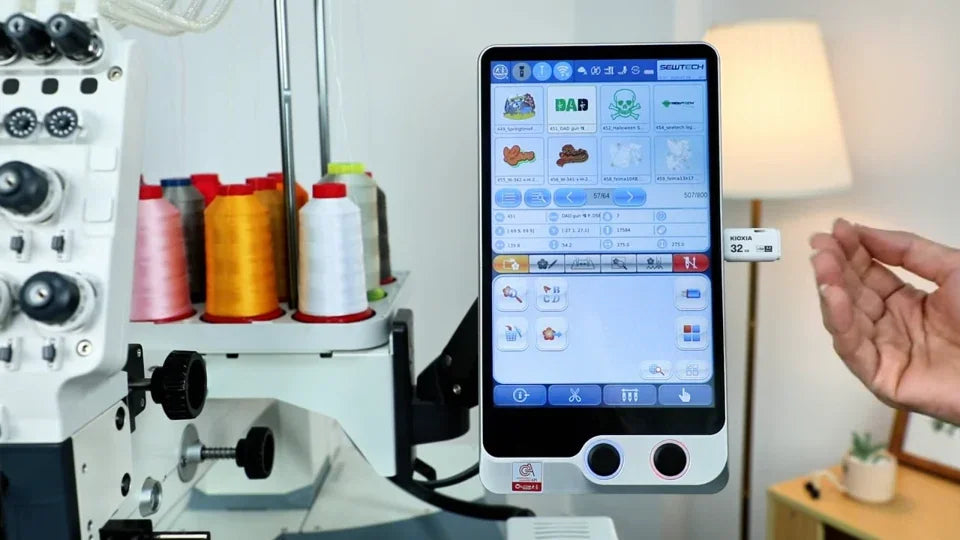
3. Review the selection before deleting
Watch at 01:39Check each selected file and save a USB copy of anything you need to retain. Use Delete only after confirming the selection.