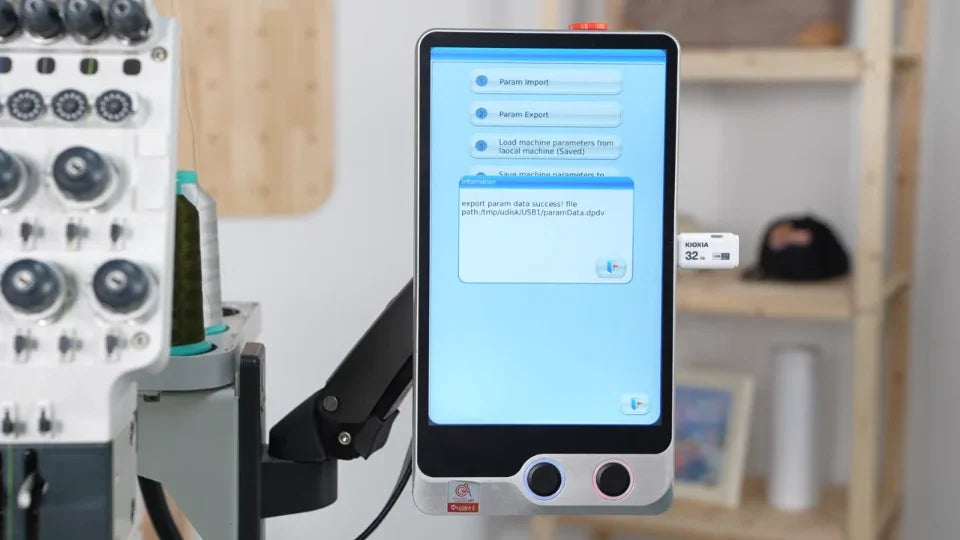
Back Up ST-1501 Machine Parameters to USB

Overview
Use the controller's export command to keep a copy of the current settings on a USB drive.
Step-by-step guide
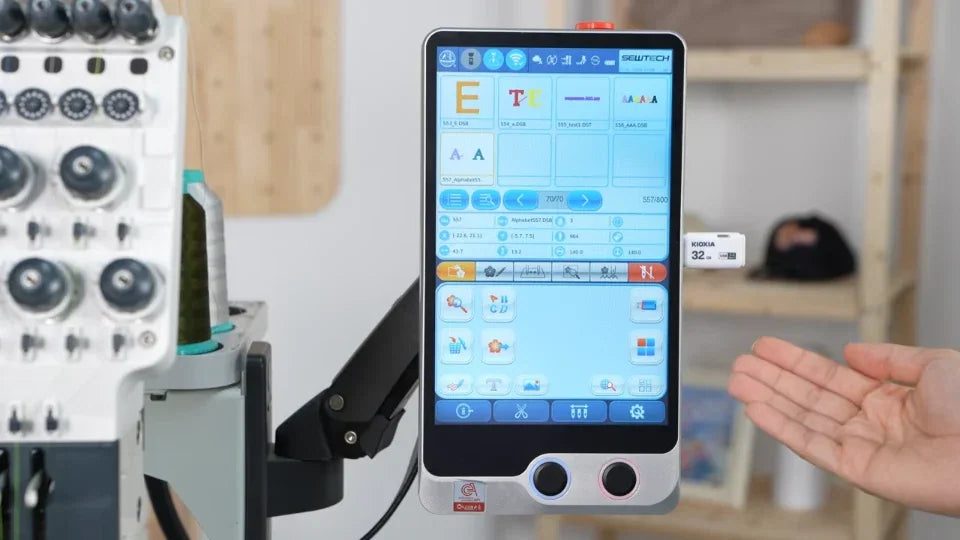
1. Insert the USB drive
Watch at 00:14Insert a USB drive and open the controller's other functions menu. Choose Debug as shown.
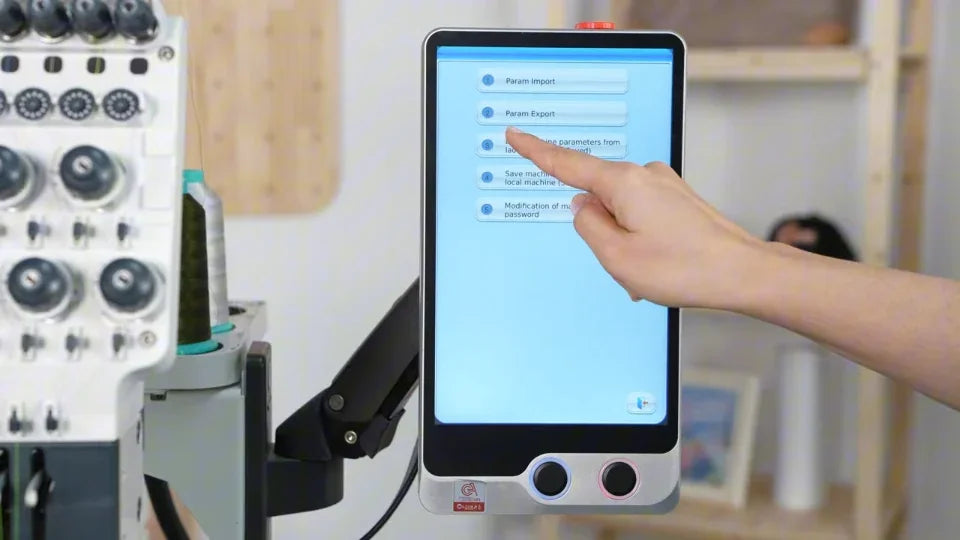
2. Select Param Export
Watch at 00:29Go to Param and Driver Import or Export, then choose Param Export. Confirm the USB destination.
3. Wait for Export Success
Watch at 00:49Wait until the export confirmation appears. Return to the main screen before removing the drive and keeping the backup.