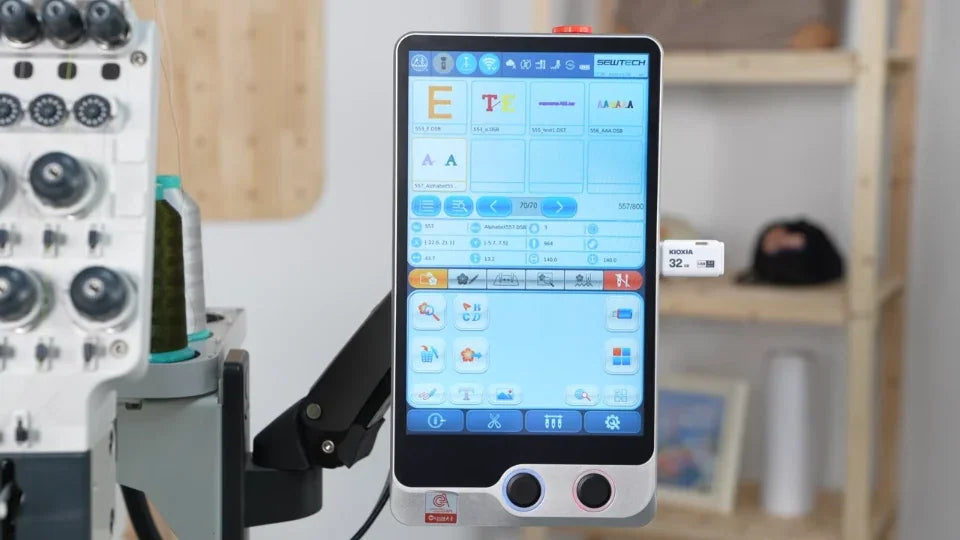
Import Frame Parameters Only on the ST-1501

Overview
This video shows a frame-only parameter import. Follow SEWTECH support guidance and use the file confirmed for your particular machine.
Step-by-step guide
1. Prepare the machine-specific USB file
Watch at 00:11Use the USB drive with the confirmed parameter file. Follow the video to open the parameter import screen from the controller's Debug menu.
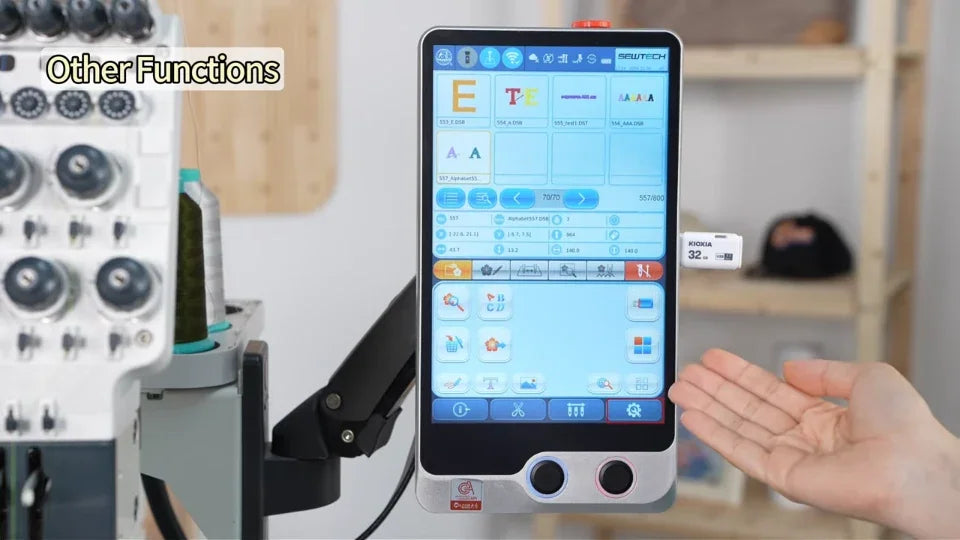
2. Select the file and keep only Frame selected
Watch at 00:42Choose the parameter file. In the confirmation window select Frame only for this procedure and verify the selection with support before starting the import.
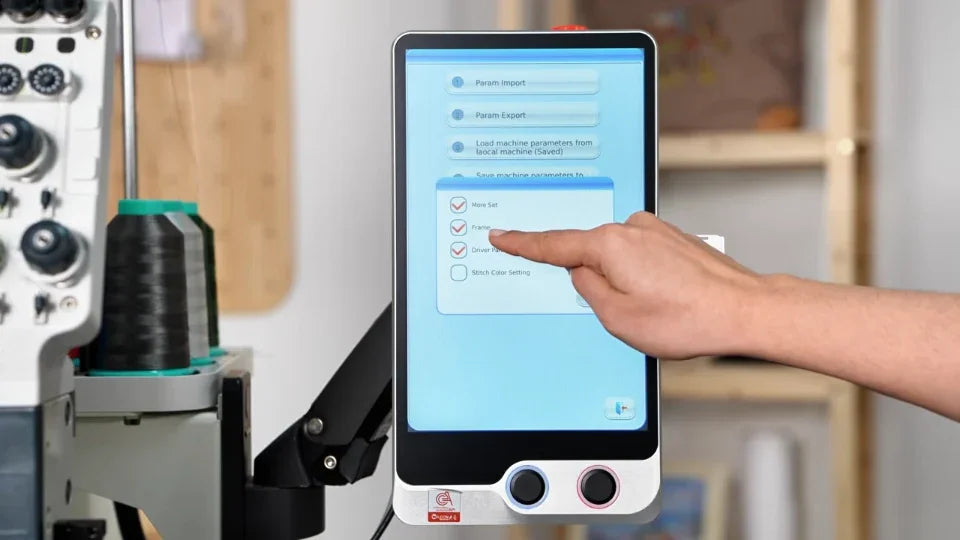
3. Wait for the completion message
Watch at 01:13Wait for the import success message before exiting to the main screen and removing the USB drive.