Fix Error 164: Reset the Hoop Position

Overview
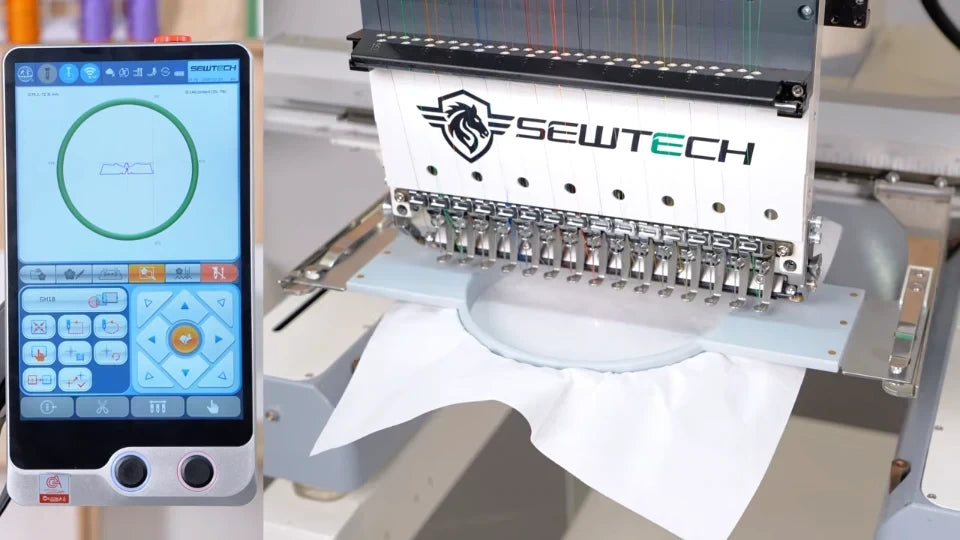
Use this procedure when Error 164 appears on an ST-1501 or SC-1501. The controller has lost the hoop’s starting position. With embroidery stopped, identify the hoop mounted under the needles and clear the area around its travel path. You’ll reset the origin, reselect the mounted hoop, then trace the design to check clearance.
Step-by-step guide
1. Read and dismiss Error 164
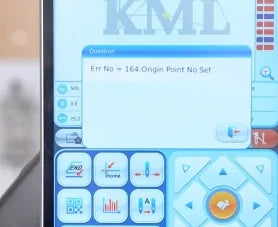
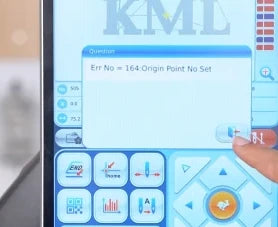
Watch at 00:23Look for Error 164 with the message “Origin Point No Set.” Tap the Back icon at the lower right of the pop-up to return to the main screen.
2. Open the hoop selection grid
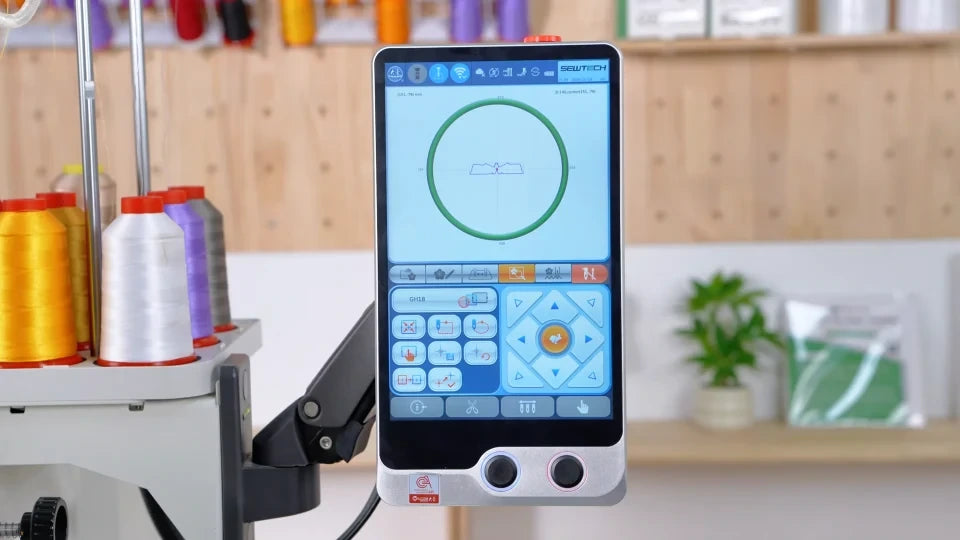
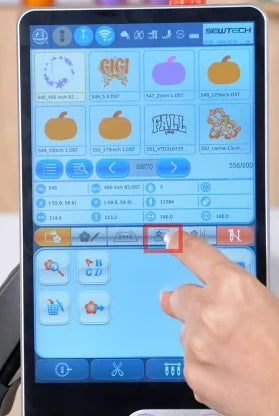
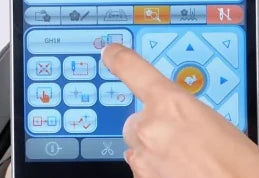
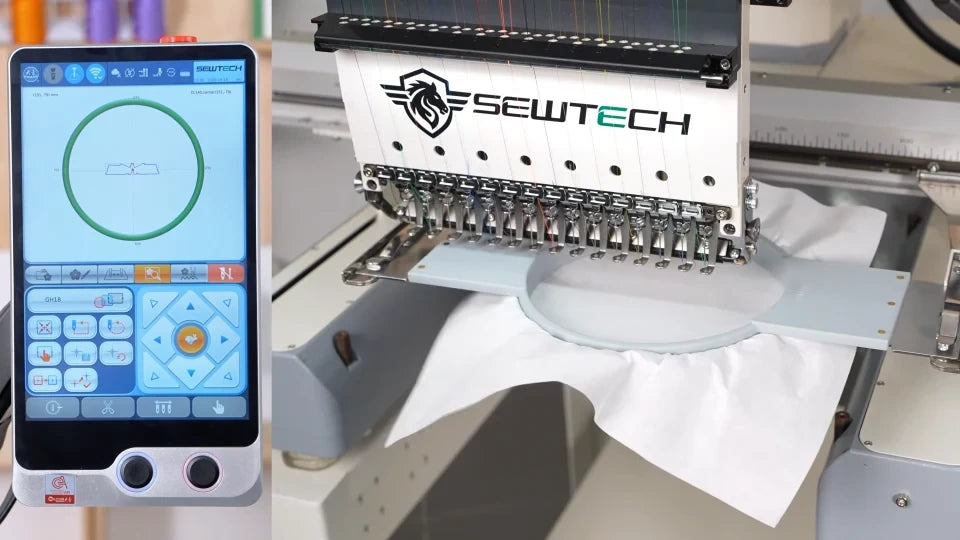
Watch at 00:28On the main screen, tap the fourth tab from the left in the strip below the design thumbnails. When the hoop preview and arrow pad appear, tap the current hoop field above the left-hand keypad. The hoop selection grid opens and highlights the current entry.

3. Find Auto Set Origin
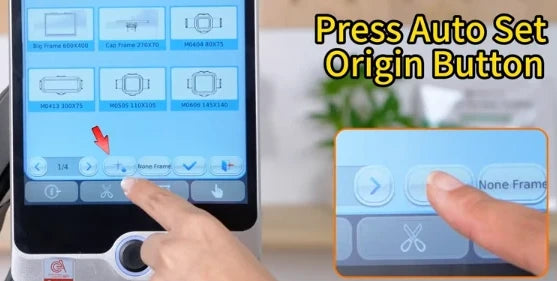
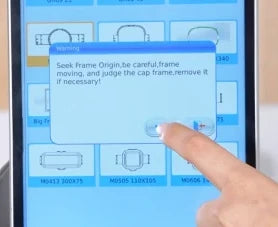
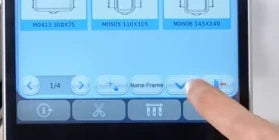
Watch at 00:34In the grid’s bottom row, tap Auto Set Origin, the small button immediately to the left of None Frame. The “Seek Frame Origin” confirmation opens.
4. Confirm and wait for homing
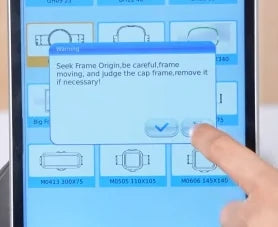
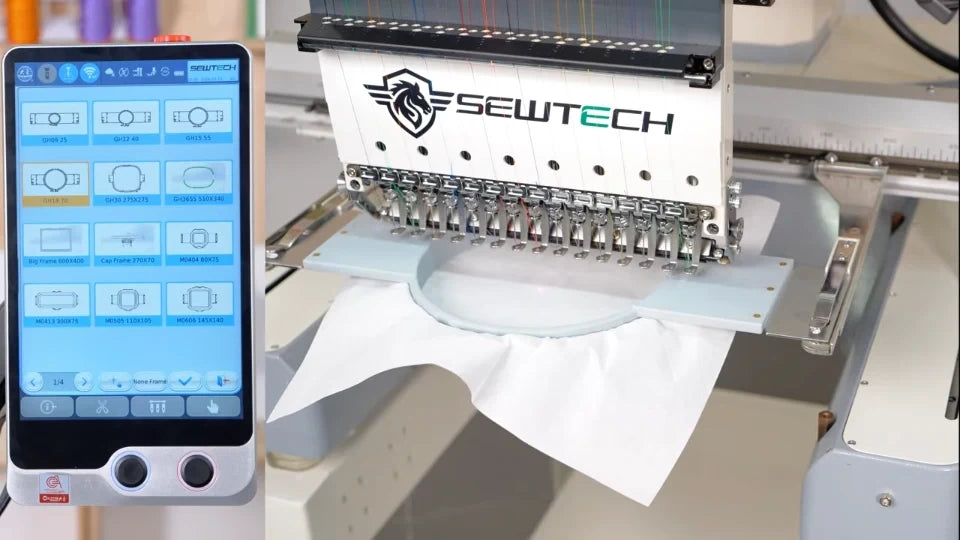
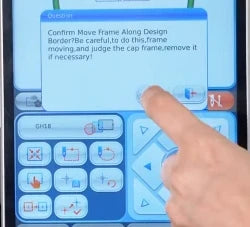
Watch at 00:37The prompt warns that the frame will move. Keep your hands clear of the travel path. If a cap frame is fitted, follow the prompt and remove it if necessary before confirming. Tap the blue check mark, then wait until the frame has stopped moving before making another selection.
5. Select the hoop you have mounted
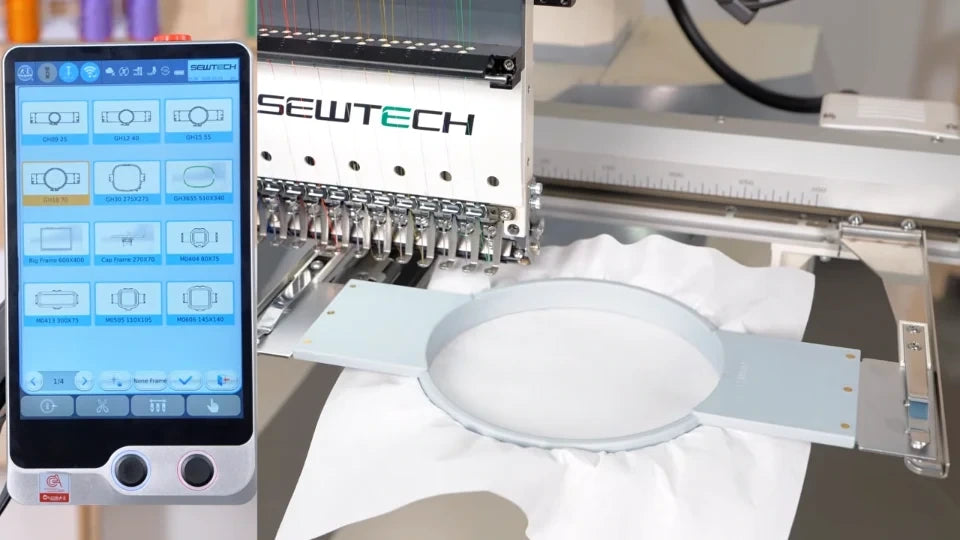
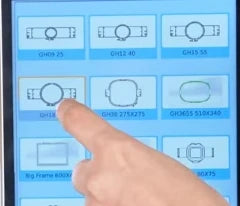
Watch at 00:50Choose the entry that matches the shape and size of the hoop fitted on your machine. In the video, the round GH18 is the first tile on the second row. The selected tile is highlighted in yellow.
6. Apply the hoop selection
Watch at 00:53Tap the blue check mark next to None Frame at the bottom of the grid. The hoop moves to its reference position. Keep clear until it stops and confirm that the main screen shows the selected hoop and the design inside its boundary.

7. Start the design trace
Watch at 01:01On the main screen, press the middle button in the top row of the small left-hand keypad, just under the hoop field. Check for “Confirm Move Frame Along Design Border.” Make sure the travel path is clear and follow the cap-frame reminder as applicable. Tap the blue check mark to start the trace.


8. Check clearance along the whole trace
Watch at 01:04Watch the installed hoop under the needles for the full trace. Start embroidering once the trace finishes with room around the hoop, no contact with machine parts, and no return of Error 164. If clearance is insufficient or the alert returns, correct the setup and repeat the check before stitching.