Combine Two Embroidery Designs on the ST-1501

Overview
Create a new design from two saved patterns by setting their size, orientation and spacing on the controller.
Step-by-step guide
1. Start from the first pattern
Watch at 00:19Select the first design, note the second design's number and open Create Combined Patterns. Set the first design's orientation or scale if needed.

2. Add the second pattern and set spacing
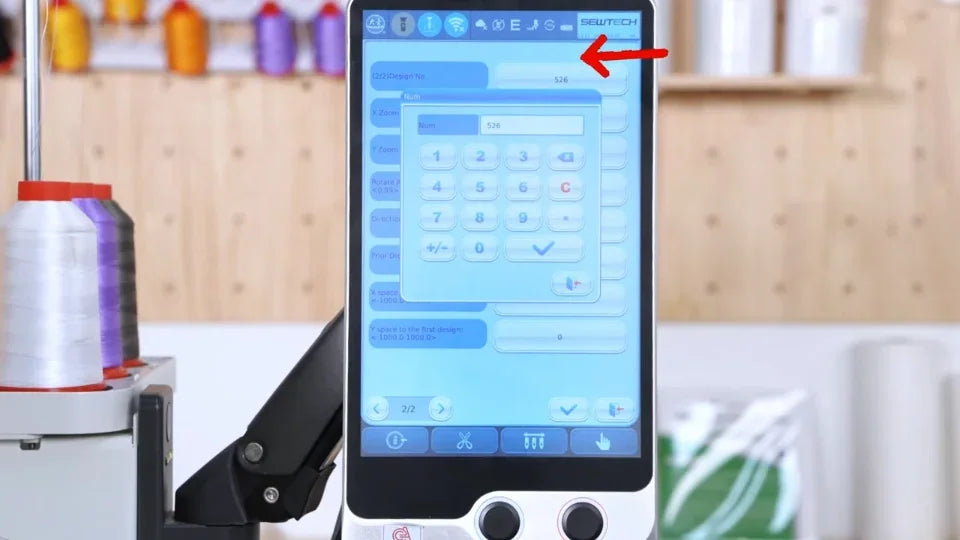
Watch at 00:57Enter the second pattern number. Review its orientation, then adjust the X and Y distances to position it relative to the first pattern.
3. Save and find the combined design
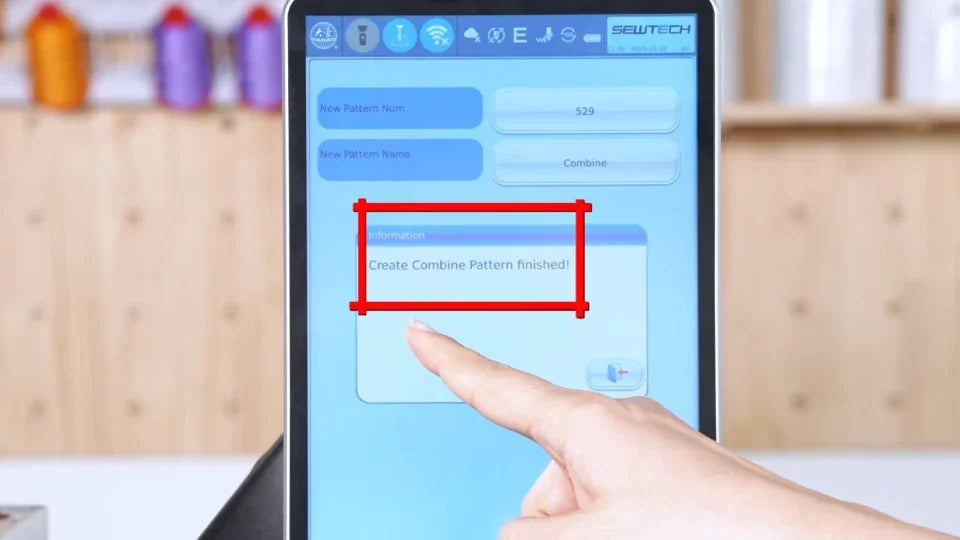
Watch at 01:27Confirm the combination and choose a new number and name. Return to the design list and check the saved combined preview.